
The Jasper County Court Calendar
Indiana's public hearing calendar, CourtCal, is the place to begin. Pick Jasper County, then narrow by court, date, case number, or case name. The window runs from the past seven days out to the next four weeks, which suits near-term settings but not a historic Jasper County court docket. A filed notice or the official CCS still governs. Each result can show the court and location. It also lists hearing date, start or end time, case number, category, hearing description, judicial officer, and a refresh time. More than 100 results brings a warning to narrow the query. Search by case number when you can. A common-name docket search can mix different cases. So it never proves a result belongs to your person.
Jasper CourtCal Lists Superior Only
The official Jasper participating-court response names only Jasper Superior Court. Jasper Circuit Court is missing from the selector. That gap is a limit of the public application. It is not proof that Circuit holds no hearings. A 37C01 case whose setting never appears in CourtCal needs a separate confirmation path.
Quick answer: A blank CourtCal result does not cancel a Jasper County court date.
Check the MyCase CCS, then contact Circuit Court or the relevant clerk desk for a C01 setting.
The prefix settles the question fast. Superior uses court code D01. Circuit uses C01. Check it before picking any calendar channel for a Jasper case.
How to Find Your Court Date
Use every channel when the date matters. Begin with the case number on a summons, notice, ticket, or prior order. Search the CCS in MyCase for the newest future event and any linked notice. If the date falls inside its range, check CourtCal too. Check the docket posting at the courthouse or courtroom. It gives a same-day check, and the clerk or court can explain a result that is missing or unclear. A party's attorney remains a key source for the current setting.
- Open MyCase, search the full case number, and read the latest CCS entries.
- Open CourtCal, select Jasper County, and enter the case number or name.
- For 37D01, choose Jasper Superior Court and record the date, time, location, and hearing label.
- For 37C01 or a date outside the public window, call Circuit Court at 219-866-4941 or its clerk desk.
- For Superior confirmation, call 219-866-4971 or the Superior Clerk desk.
- Check any filed notice, courthouse posting, and information from counsel before appearing.
For the Circuit criminal, civil, probate, and guardianship desk, call 219-866-4926 or 219-866-4921. Superior lines include 219-866-4912, 219-866-9451, and 219-866-4922. Give the court prefix so the call reaches the right record.
Jasper Calendar's Limited Date Window
CourtCal only reaches the past seven days and the next four weeks. A hearing can sit outside that window. It can still be valid even when the calendar returns nothing. MyCase may list the date in the CCS. Or a notice the court issued may control. CourtCal also cannot rebuild months of earlier hearings. So it is the wrong tool for docket history. The county's official selector and calendar form page shows the courts and fields a search uses.
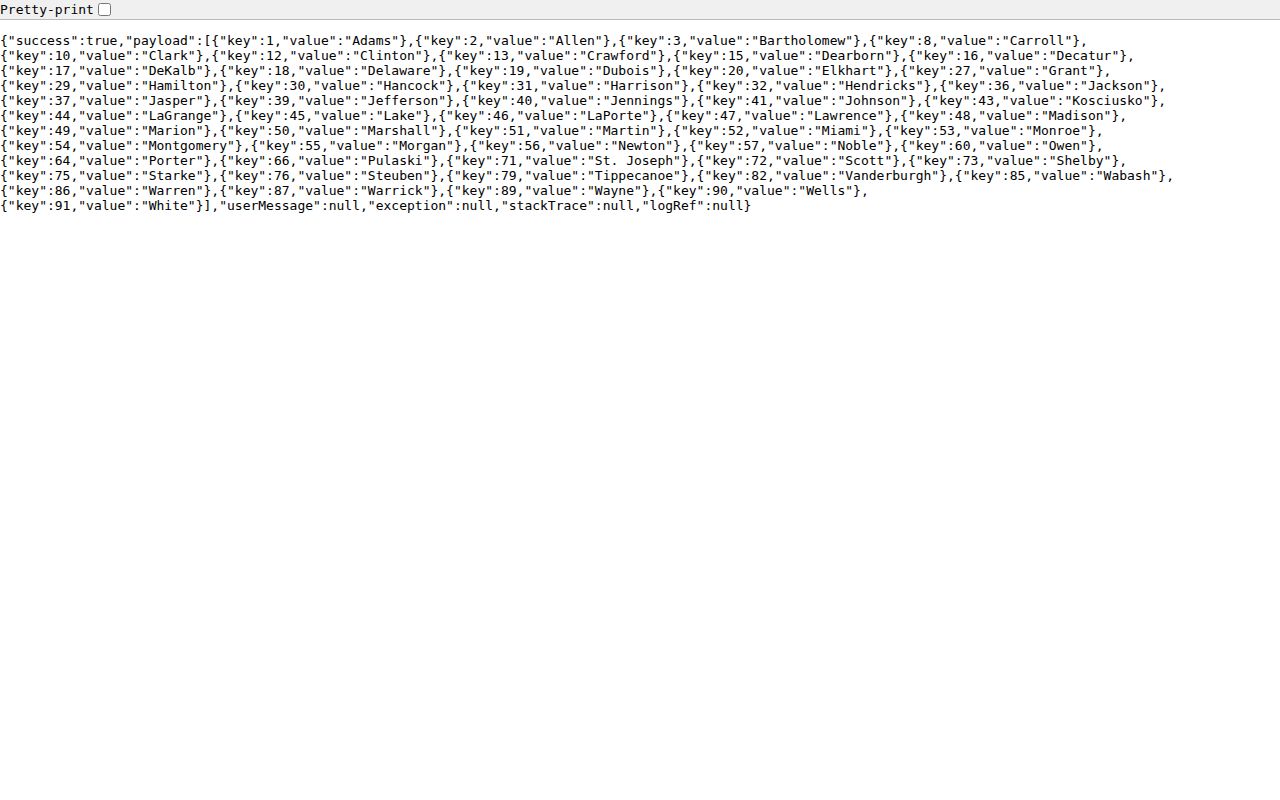
The selector opens a near-term search. Without the right case, date, and court details, it will not surface every Jasper County court date.
Reading a Court Setting
Read a court setting field by field. Date and time mark the scheduled session. A timeslot may serve a docket call rather than a unique trial start. The court and location show where the matter is assigned. The judicial officer is who is scheduled to preside. A setting type states the planned purpose, never what happened.
| Date | The scheduled day within the public CourtCal range. |
|---|---|
| Time | The session or supplied start and end time; confirm whether it is a docket call. |
| Courtroom | The court, location, and city shown in the current result or notice. |
| Judge | The judicial officer returned for the setting, subject to assignment changes. |
| Setting Type | Initial, pretrial, status, review, fact finding, sentencing, motion, or another hearing label. |
Copy the entire case number. The 37C01 or 37D01 prefix beats a judge's name, since a special judge or reassignment can appear while the same case number stays in use.
Jasper Court Setting Labels
An Initial Hearing is an early setting, not a final result. A Pretrial Conference handles preparation and scheduling before trial. A Status Hearing checks progress or one open issue. A Review Hearing follows up on compliance or an earlier order. A Change of Plea Hearing is planned for a possible plea change. The label alone never says one happened.
Fact Finding A setting for the court to determine facts in the applicable case type.
Sentencing Hearing A scheduled sentencing proceeding. The CCS and order hold the result.
Motion to Modify A hearing on a requested change, not proof the court granted it.
CANCELED A historic setting marked canceled. A later date often follows.
Protection-order hearings can show on the calendar even though protection-order searches run through MyCourts rather than ordinary MyCase. Each system answers a different question.
Resets, Continuances, and Cancellations
Courts shuffle settings for many reasons. A continuance pushes a proceeding to a later time by order of the court. A reset is simply the new slot the matter lands in on the calendar. A cancellation takes the setting off the list. The canceled entry can stay in the CCS as history. None of these words means the whole case was dismissed. To know where things stand, trace the later event. Also trace any notice or order that sets the next date.
CourtCal results carry a refresh timestamp. That mark tells you when the data was refreshed, not that nothing changed afterward. So compare CourtCal against the newest MyCase CCS line. When the two disagree, contact the clerk, the court, or your attorney. The old notice is useful context. But follow the most recent official direction once it is confirmed.
Calendar Is Not Jasper's CCS
Think of the Chronological Case Summary as the docket history. CourtCal works as a short-range hearing search. Administrative Rule 9 governs remote access. It does require public daily calendars or dockets in electronic or other form. Still, the calendar is not the official case file. The CCS can show a canceled event, a later order, a filed notice, or a result. The calendar view never explains those. For the full record of a Jasper County case, the CCS is the source that counts.
The official Administrative Rule 9 remote-access framework sets out those access rules in full.
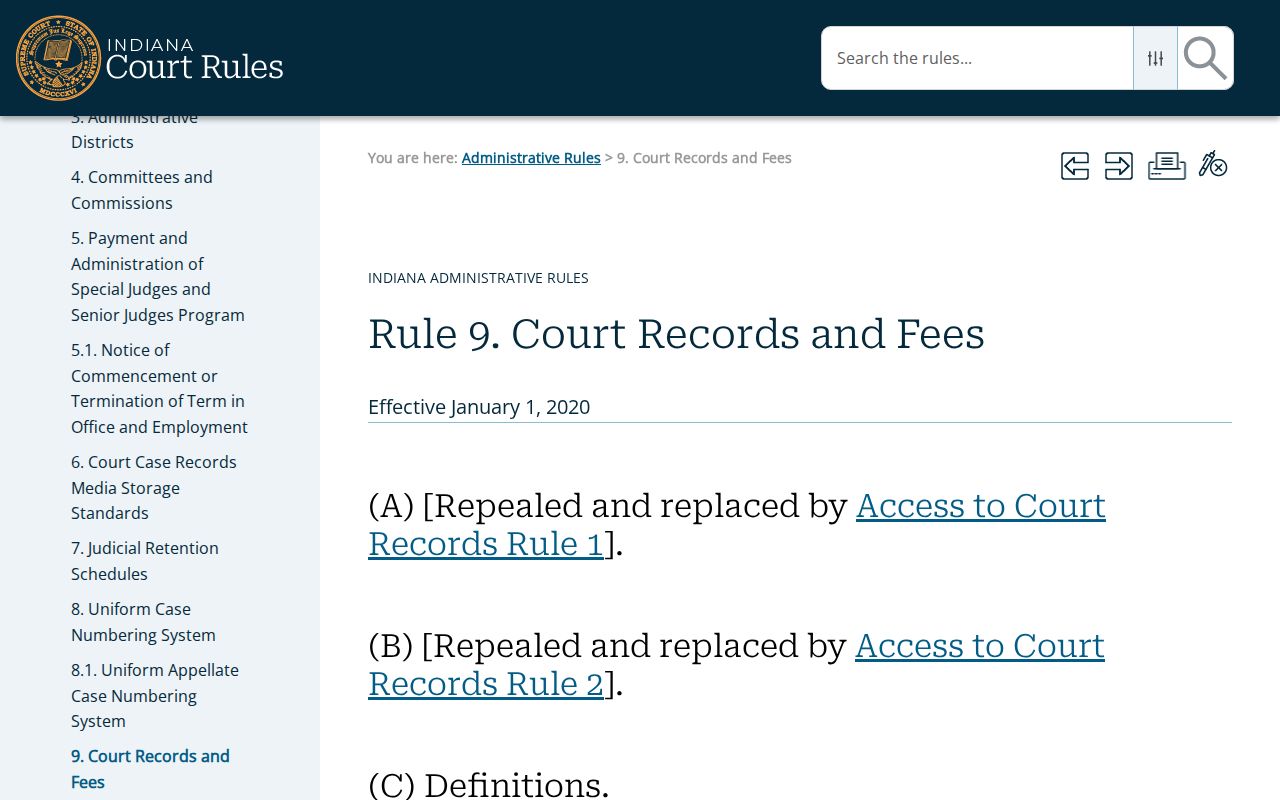
For a dependable Jasper County court calendar check, pair the two tools. Use CourtCal to find the setting itself. Then turn to the CCS or the clerk record for the procedural history behind it.
Finding Jasper Circuit Court Dates
A 37C01 matter may not show up in CourtCal. The current Jasper participating list covers Superior only. Open the case in MyCase first. There, read the latest future hearing entry along with the court officer, date, time, and any linked notice. If the date falls outside CourtCal's window or the event is unclear, call Circuit Court at 219-866-4941. The right clerk desk can also confirm what the official record shows.
Court offices here use a split noon schedule. A question raised just before noon may sit until the office reopens at 1:00 p.m. Central. Plan the confirmation before hearing day arrives. Federal hearings are missing from Indiana CourtCal too. Jasper federal matters require PACER or the Northern District of Indiana clerk.
What To Do If You Miss a Setting
Act at once. Start with the case's newest CCS entry. Then call the court or clerk tied to the case prefix. If you have counsel, make that call as well. Ask whether a later date, failure-to-appear entry, warrant, bond action, default, or other order has been entered. The right next step turns on the case type and what the court did. So never lean on a stale calendar result.
Missed a setting? A missed date can cause serious case-specific consequences, including a failure-to-appear entry, warrant, bond action, or default.
Contact the Jasper court, the proper clerk desk, and your attorney immediately to learn what the record now requires.
Seek advice from a licensed Indiana attorney before taking action on a missed Jasper County setting.
Do not just show up on another day without direction. The court may have set a new hearing, issued an order, or required a filing. It may also require a filing first. Write down the name of the office you contacted. Then confirm the date, time, court, and location from the current official source.
Confirm the Jasper Court Calendar
Always run a final check against the newest source available. Compare the calendar refresh time with the latest CCS event. Check any notice the court sent you too. If a later entry moves the date, jot down the revised time. Add the court, location, and setting label as well. When two official screens conflict, call the listed office.
Bring the case number to that confirmation call. A precise 37C01 or 37D01 number lets staff find the setting fast. It beats sorting through a common name. This short step matters most after a continuance, a cancellation, or a late schedule change.